by
by The ration card, which was seen only in book form, is now literally a card. The government is planning to convert the ration card into a card the size of an ATM card. The government is all set to start the distribution of new type of ration cards from November 1. To get new type of card, we can be apply by both online and offline through civil supplies offices.
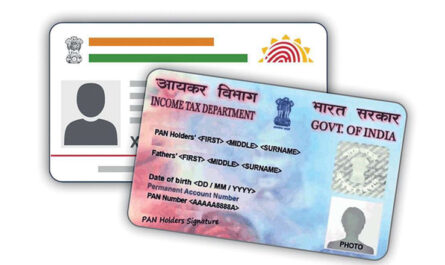
If the traditional ration cards had a passport-like form, the smart ration card would be a plastic-made card like a PAN card and an ATM card. On the front of the card, there will be the name and photo of the cardholder and a QR code. On the back of the card, details such as ration shop number, monthly income, whether the house has been electrified, whether there is an LPG connection, etc. will be written.
Applications for a new smart ration card have to be made at the taluk supply office or the civil service portal. The state government has announced that the distribution of smart ration cards will start from November 1. There will be a fee of Rs 25 for this. Meanwhile, Food Minister G R Anil has said that the smart card will be made available free of cost to the priority group, as per reports. Once the card is approved, it can be used by taking a PDF print from the civil supplies website and receiving the card directly from the supply office.
Check out how to apply for smart ration card online
- Go to the official website (https://ecitizen.civilsupplieskerala.gov.in/index.php/c_login )
- Login using username and password. (select option create account if you have not created an account. Register using mobile number, aadhar number and ration card number etc.)
- After login, Check whether the ration card members linked aadhaar with ration card. For that from the top right side menu, select the option ” aadhaar entry”. verify and go back to home page.
- Now select the option ” english entry” from the menu at top right side .
- Enter the details such as house name, address location in english and click “update card details”.
- Now go back to home page and select the option ” Print”>> “E card/pvc card print”.
- Now click” print the PVC card”. you will get PVC card in pdf format, your mobile number will be the password.
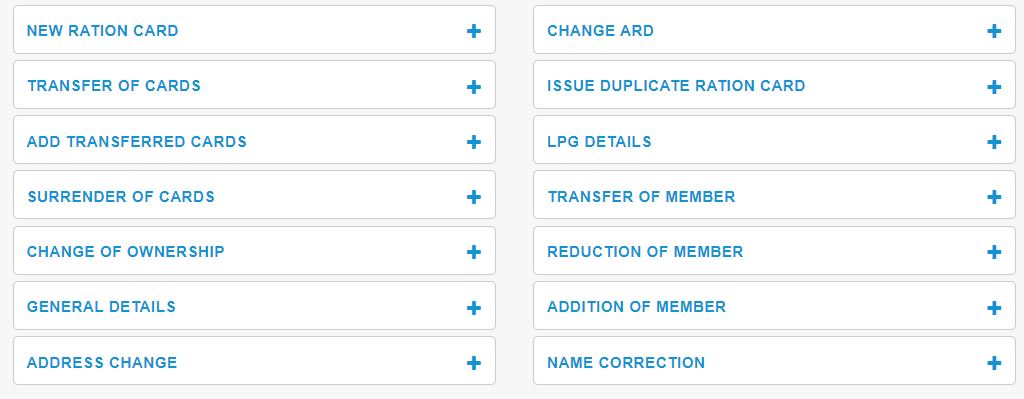
More services such as New ration card, Transfer of cards, Add transferred cards, Surrender of cards, Change of ownership, General details, Address change, Change ARD, Issue duplicate ration card, LPG details, Transfer of member, Reduction of member, Addition of member and Name correction can be done through this website.